It is quite common to create a dataset in order to provide the *available values* for a report parameter that is used to filter some list. Using this approach, the user running the report can select the report parameter using a drop down list without having to remember the different available values.
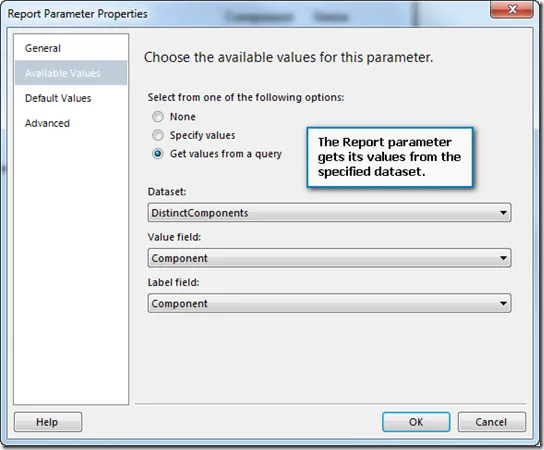
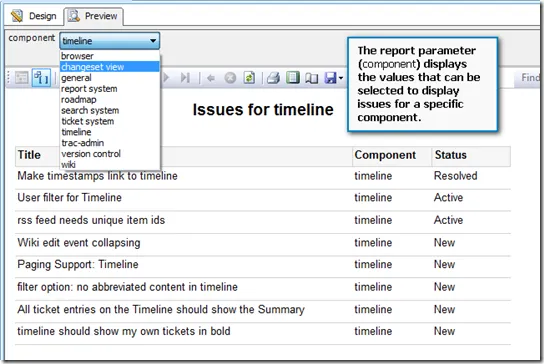
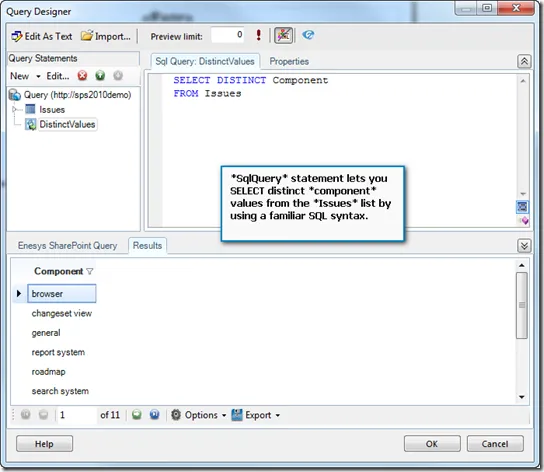
A typical approach is to create a dataset with a query that retrieves the distinct values of a specific SharePoint field from the list you want to filter. This is something that you can easily do with Enesys RS Data Extension by using a “SqlQuery” statement in addition to a “List” Statement:
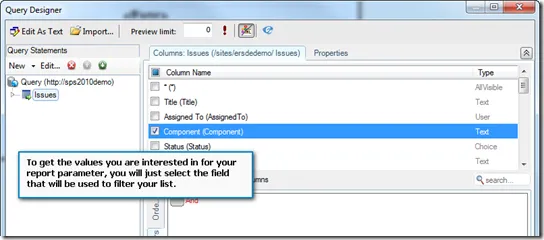
Using the “List” statement, you can retrieve the values for the specific field you want to filter your list with:
By adding a “SqlQuery” statement, you will ensure that you only get distinct values:
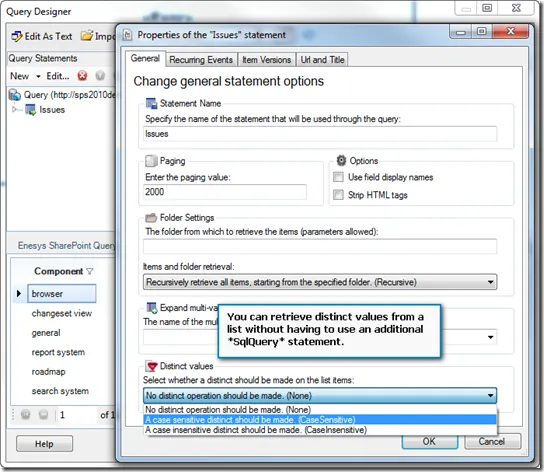
Because this approach is so common, Enesys RS Data Extension 3.8 makes it possible to get distinct values from a list without having to use an additional SqlQuery statement. You can specify that you want distinct values directly within the “List” properties as shown in the following screen shot: