Reporting Services Integration
Reporting Services Integration
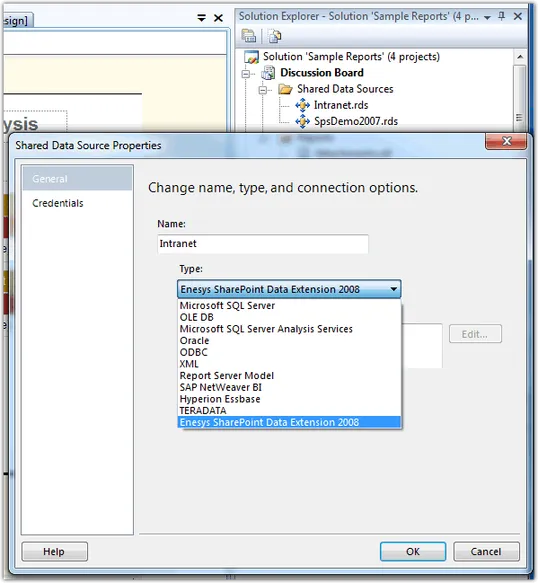
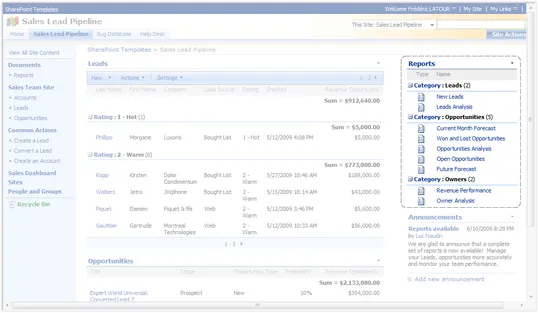
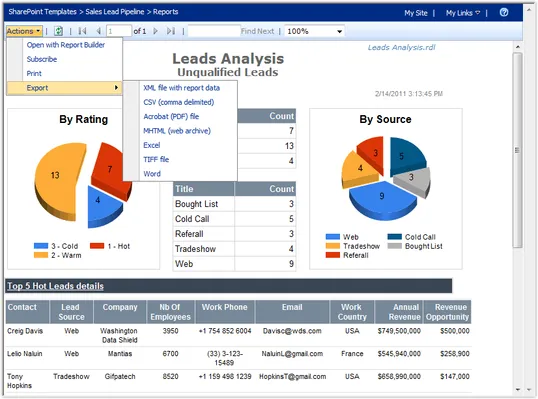
Enesys RS Data Extension extends Reporting Services so that you can benefit from all the features provided by Microsoft's platform.
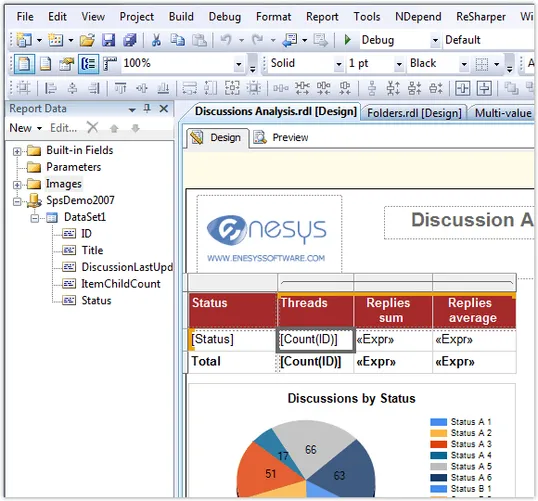
You don't have to learn an entire new tool to get all your data. In fact, all your Reporting Services expertise and knowledge can be used with Enesys RS Data Extension.
The only thing that is specific to Enesys RS Data Extension is the query side of things. And to get your life easier, we are providing a Query Designer that is completely integrated to Business Intelligence Development Studio.
And if this is the first time you are using Reporting Services, just know that most of what you will learn will be completely reusable for building reports using different data sources.
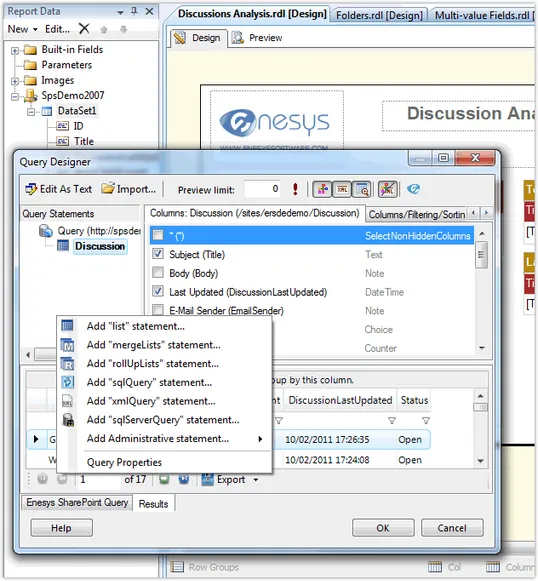
Integrated Visual Query Designer
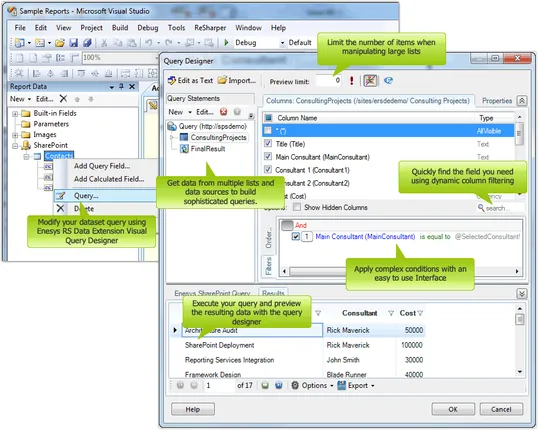
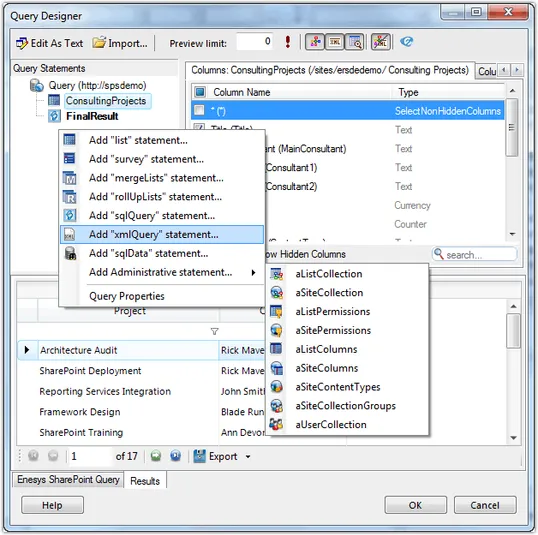
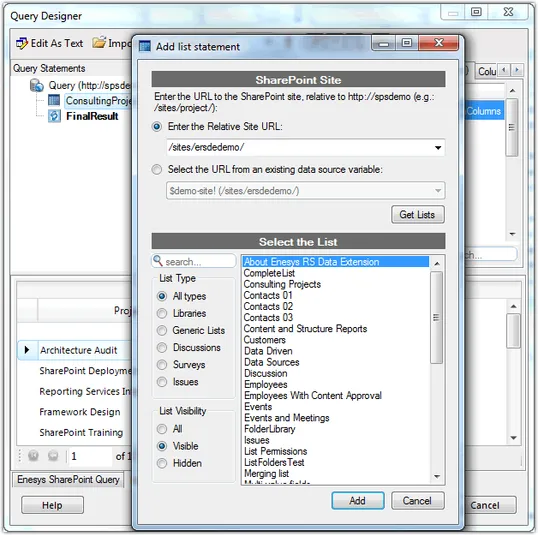
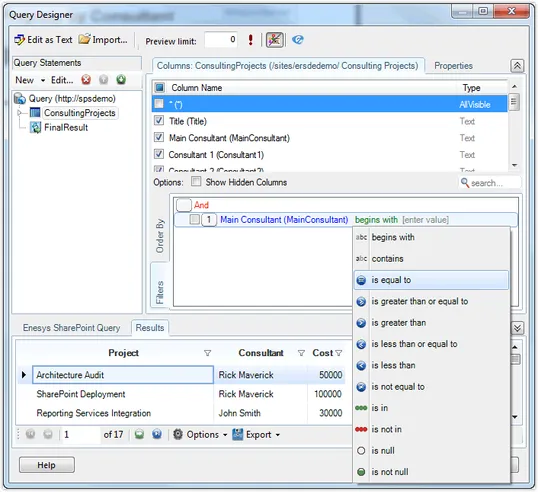
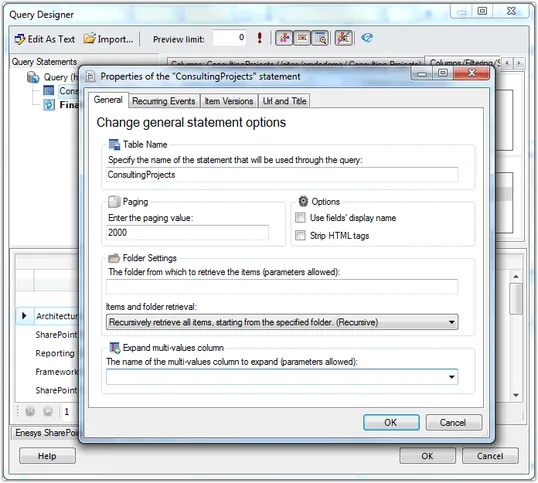
Enesys RS Data Extension Visual Query Designer makes it easy to build sophisticated queries directly from within Microsoft Business Intelligence Development Studio.
Because Enesys RS Data Extension offers so many different features (query SharePoint lists, roll-up lists in an entire site collection, query SQL or Oracle databases, and many more features), the Visual Query Designer provides the necessary user interface that makes it unecessary to remember every command and configuration settings.
It provides everything you need to build and test your queries with a few mouse clicks.
Innovative Query Approach to Match SharePoint Features
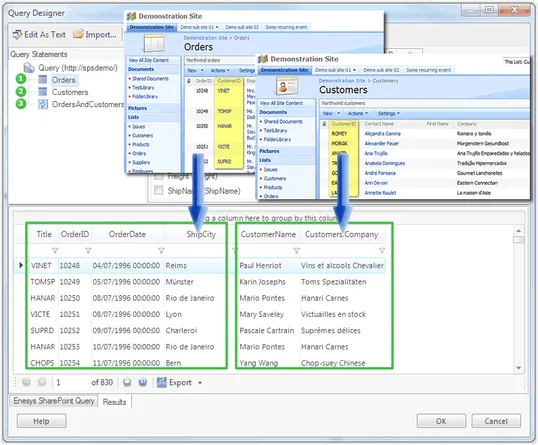
What makes SharePoint lists powerful is that they are not plain tables: you can easily manage events, tasks, issues, etc. At the core of Enesys RS Data Extension is a Query Engine that understands SharePoint concepts and features.
Enesys RS Data Extension will let you deal with all those specific SharePoint features. You can retrieve item versions, multi-value fields, folders, etc... You can also aggregate items from an entire site collection.
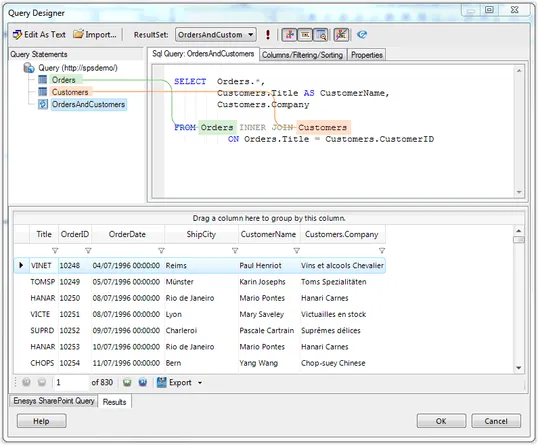
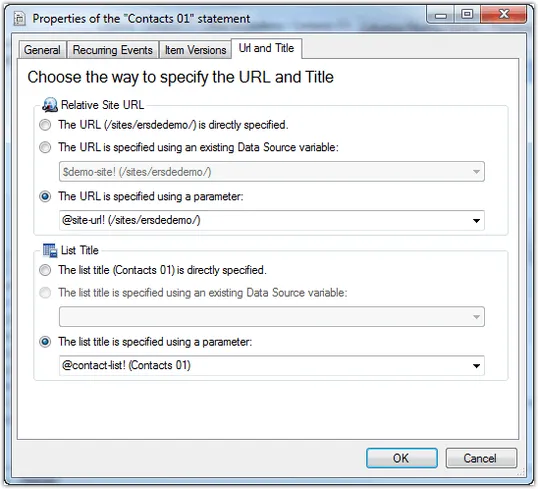
Besides the numerous SharePoint features that are exposed through our query engine, we have taken a specific approach so that you can handle complex queries and merge SharePoint data with external data. In fact, you can get multiple result sets (from SharePoint lists, SQL Server tables, XML) and use SQL SELECT Syntax to manipulate your data into a dataset that you will use within your reports.
Full featured Reporting Services extension
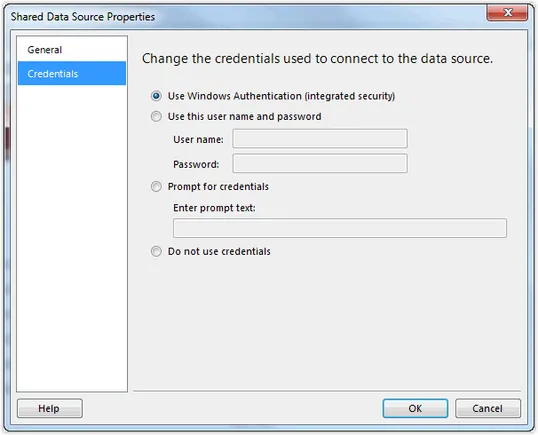
Enesys RS Data Extension is a full featured Reporting Services extension. It supports Reporting Services credentials defined at the data source level.
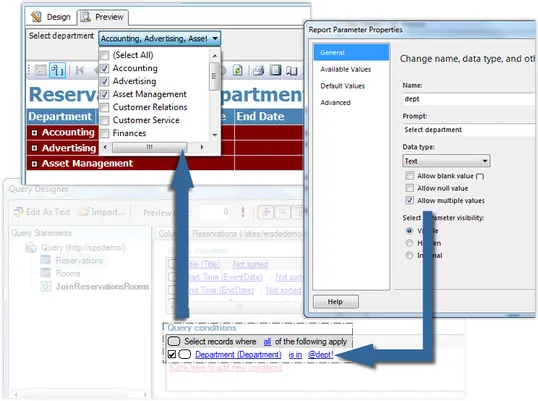
Report's single-value and multi-value parameters are also fully supported at the query level so that you don't have to retrieve unnecessary large number of items from your SharePoint server.