Advanced Features
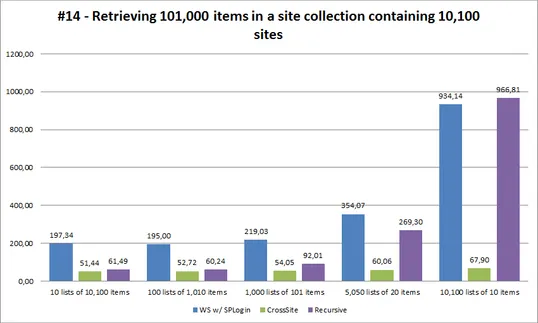
Aggregate Lists from an Entire Site Collection
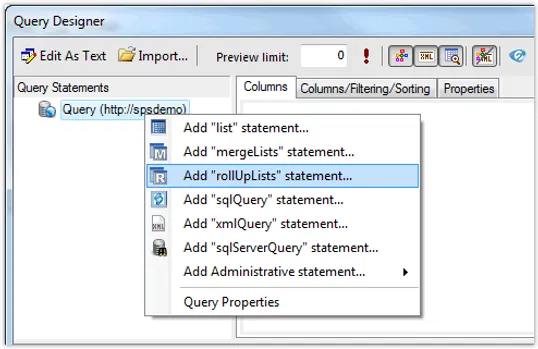
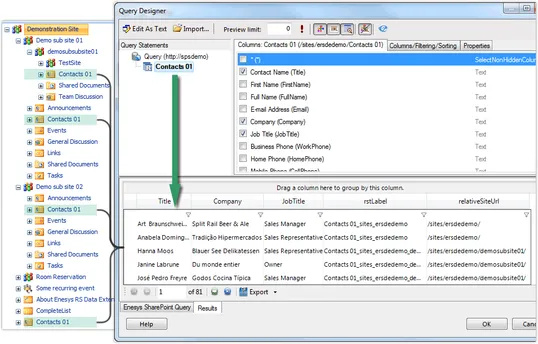
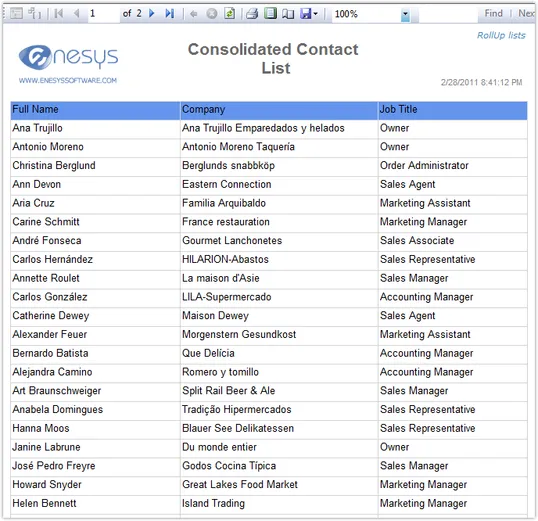
The need of rolling up lists within an entire site collection is a common scenario. For instance, you may have one site by project but still want to get all your project tasks analyzed globally and displayed in a single report.
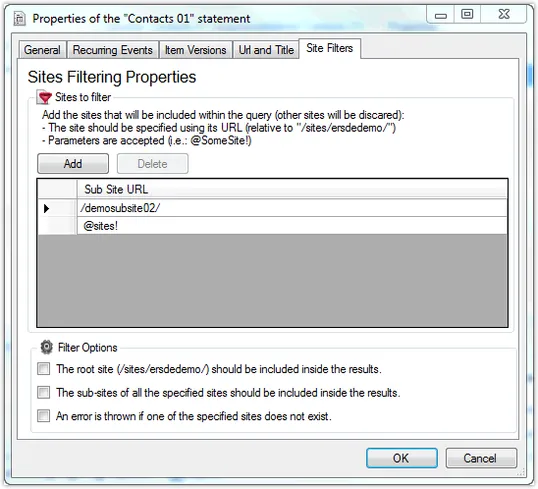
Enesys RS Data Extension provides a command that will let you aggregate lists in an entire site collection. There is no need to update your query each time you create a new sub-site. Items from new sites are automatically retrieved and displayed within your report.
Because Enesys RS Data Extension respects SharePoint permissions, a user will only get items from the sites he has the necessary permissions, when running a report using Integrated Security.
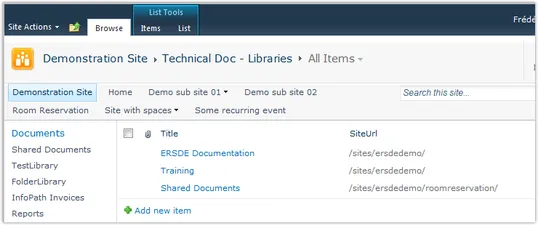
Merge an arbitray Set of Lists
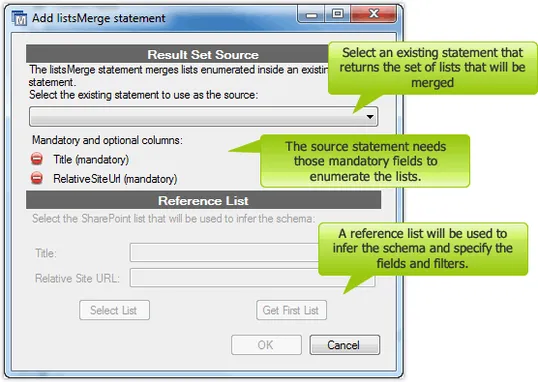
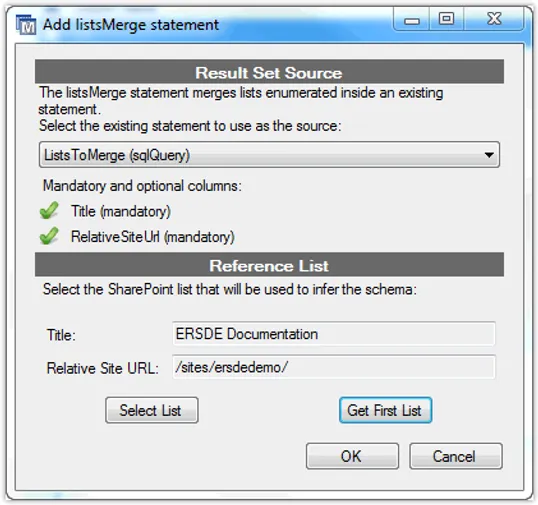
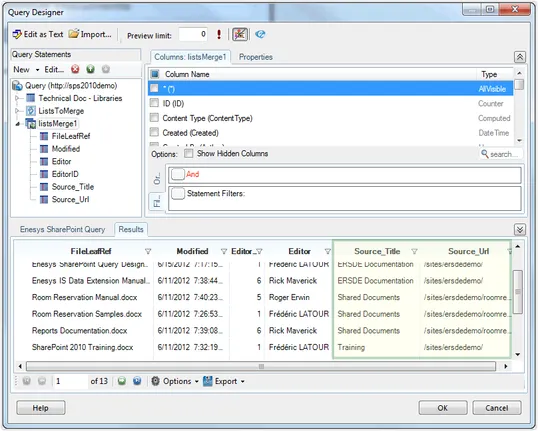
In order to merge a specific set of lists from multiple sites or even sites collection you can use Enesys RS Data Extension ListsMerge feature.
This feature lets you merge a set of lists returned by some other command (Enesys RS Data Extension lets you use multiple commands in the same query). This means that you can use a SharePoint list, a Database table or even some specific business logic to enumerate the lists you would like to merge. No need to update your report to add or remove some list.
Advanced Data Manipulation
In order to let you manipulate your SharePoint data in all possible ways, Enesys RS Data Extension comes with an innovative approach to query.
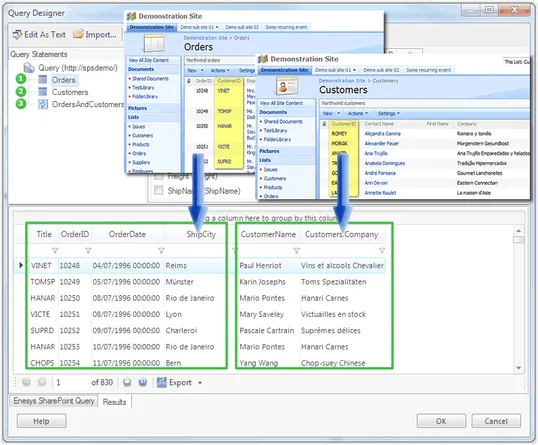
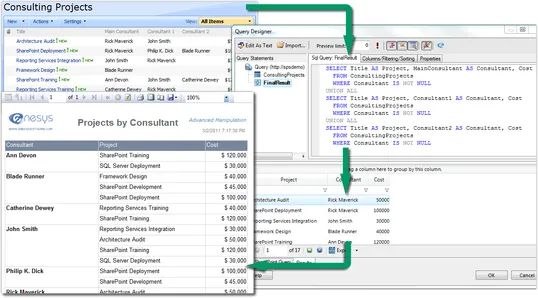
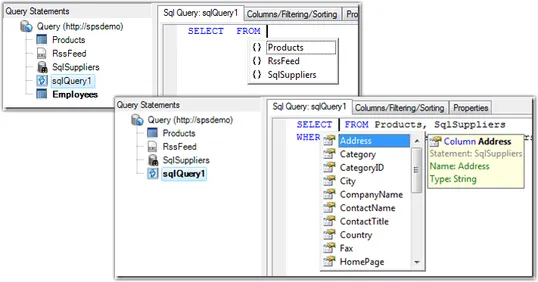
It lets you execute multiple commands that return data from SharePoint lists or other sources (SQL Server, Oracle or XML data). In order to make sense of this data, Enesys RS Data Extension lets you manipulate the data resulting from those commands using SQL SELECT Syntax.
This approach is extremely flexible and offers advanced manipulation possibilities:
- Join multiple SharePoint lists, InfoPath forms and document libraries metadata
- Combine SharePoint data and SQL Server or Oracle data
- Aggregate data from multiple site collections