Survey lists store data in a very specific way. Even though Enesys RS Data Extension lets you retrieve data from a Survey list, it is challenging to build a meaningful report out of the raw data that is returned from such a list.
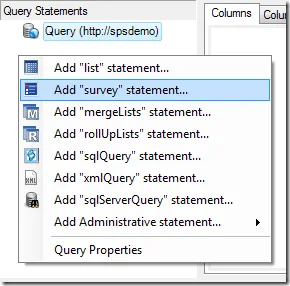
For that reason, the next version of Enesys RS Data Extension will provide you with a specific command that will return Survey list data in a format that can be used for creating great looking reports.
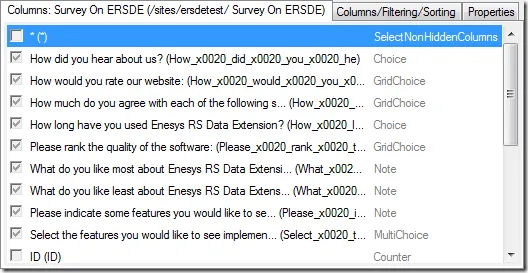
Survey questions are clearly identified as columns:
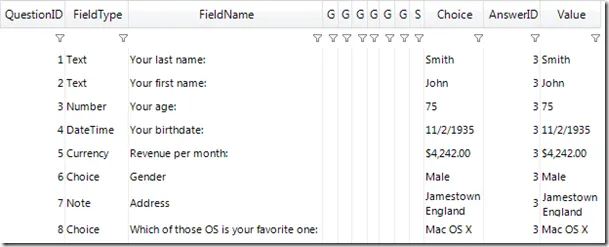
Under the hood, Enesys RS Data Extension will parse the SharePoint raw survey data in order to provide you with data that can easily be used for building reports out of your survey.
To make this new feature usable out of the box, we will be providing a ready-made report that mimics the look and feel of the Graphical Summary available within SharePoint. The following screen shot displays the generic report in preview mode within Business Intelligence Development Studio.
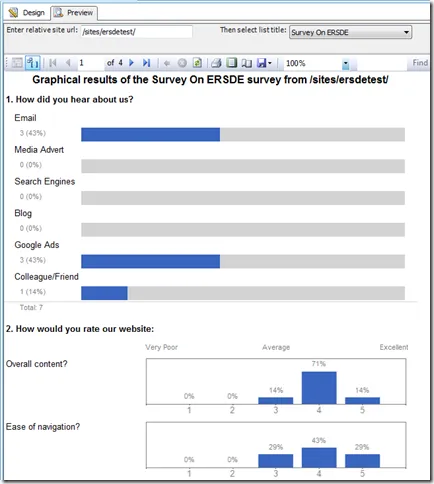
There are several reasons why you may be interested in building a report from a Survey list:
- You can export the report into PDF format so that it can be sent to anyone that does not have access to the SharePoint survey list. A PDF document may also be easier, during a meeting, for discussing the results of the survey.
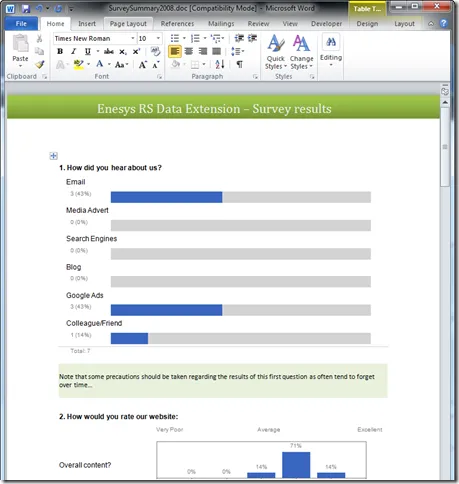
- You can export the report into a Word document in order to add comments/remarks that can put the results into perspective as shown in the following screen shot: