How can I have a new line for the multi-value custom separator so that each value appears in its own row?
The best approach to achieve this result is to use a report’s expression that will replace the default separator with a new line char.
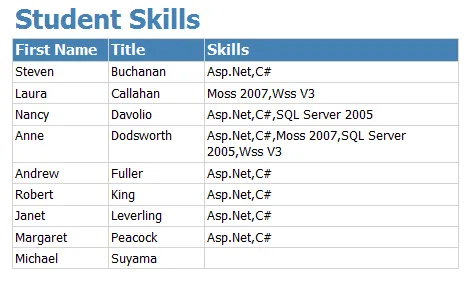
By default, values in a multi-value column are separated by a comma. When displaying such a column in a report you will obtain something similar to what is shown in the following screen shot.
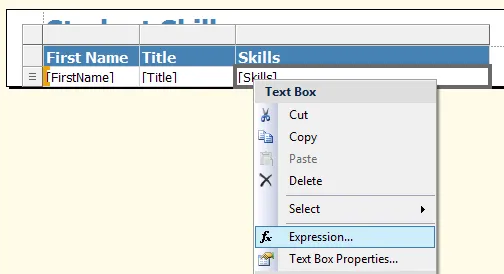
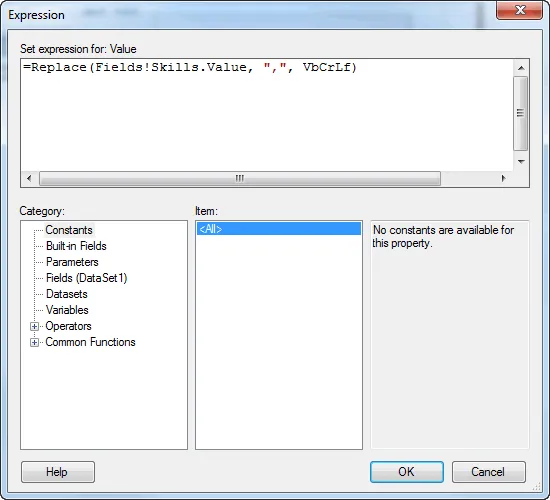
In order to replace the comma by a new line, use the following expression instead of using the column directly in your layout:
Your report will be displayed like shown in the following screen shot:

Note that if you need more fine grained control over each value layout, an alternative approach would be to use the “expand Multi-values” feature.
- Applies toEnesys RS Data Extension 3
- Last Updated2010-01-22T00:00:00.000Z
- CategoriesHow-to