Data source and dataset
When you create reports in reporting services, you create at least one dataset that points to a specific data source (SQL Server, Oracle, Enesys Data Extension …).
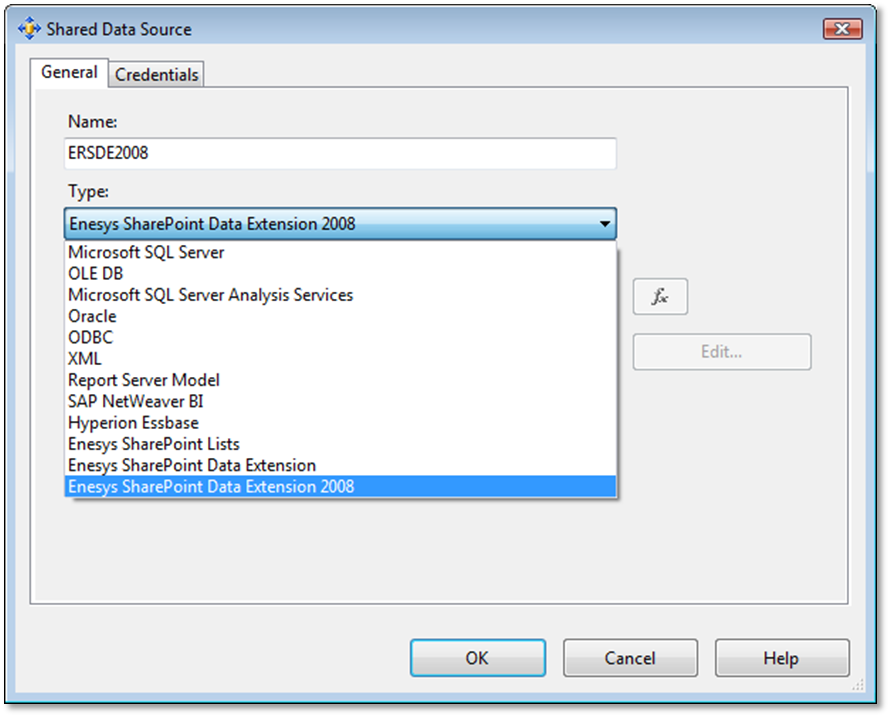
Figure 1 - Reporting Services data source
A dataset contains the fields that you are expecting to use in your report. It also contains the query used to retrieve data from the data source. The query language will depend on the type of data source you are addressing. For a SQL Server data source, you would obviously write some query using SQL language.
For reporting over SharePoint lists, you will use a data source of type “Enesys SharePoint Data Extension 2008” which is available when you have installed and configured our extension. For a dataset pointing to an “Enesys SharePoint Data Extension”, you will write a query using a specific syntax based on XML.
Starting from version 3 of Enesys RS Data Extension , you will most probably use our query builder to write the desired queries. However, the explanations that follow are still important to understand the overall architecture of the query syntax and will serve you as well when using the query builder.
See the chapter “ ESQ_Query_construction_principles ” chapter for more
information about the query.