Rolling up list items in an entire site collection
You can use the rollUpLists statement for merging lists items within an entire site collection based on a specific list’s name.
When using the rollUpLists statement, the lists from the site you specified are retrieved, as well as all the subsites of the specified site:
- If the list you want to rollUp is already available at this point, select the list and click on the Add button.
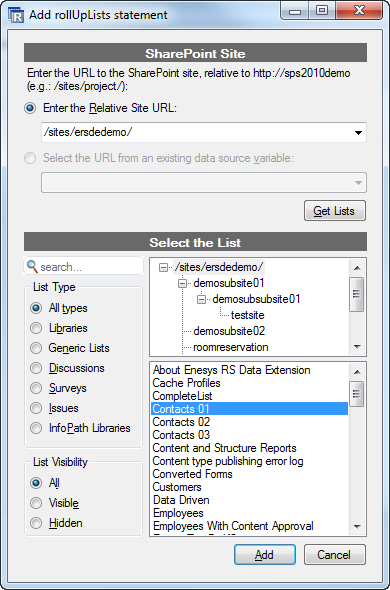
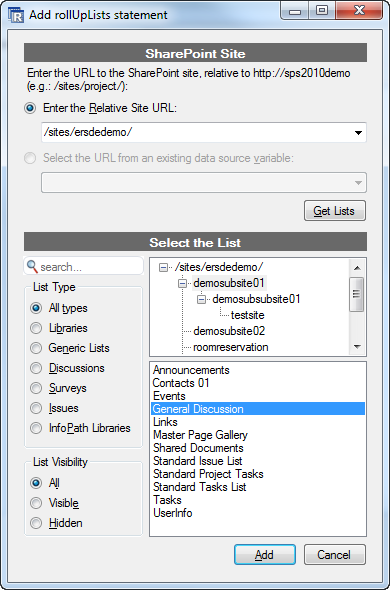
- If the list is located inside a subsite, click on its name inside the Tree View. Its lists will be loaded so that you can select the correct list.
Note
Starting from v3.7, Enesys SharePoint Query supports a new referenceSite attribute that contains the URL to the site containing the list that will be used as the schema. You can specify the referenceSite by selecting the correct sub-site inside the sites tree view.
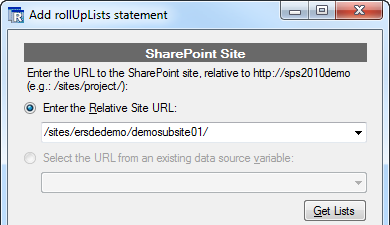
You are not bind to merge lists starting from the root of the site collection. It is possible to specify a child site as the starting point (i.e.: relativeSiteUrl =” /sites/ersdedemo/demosubsite01/ ”).
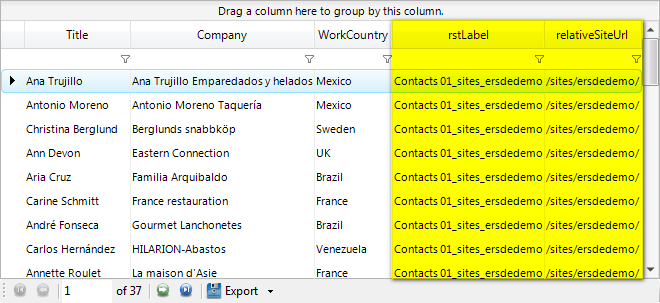
When rolling up items using the rollUpList statement, two columns will be added to the result set. The first column “ relativeSiteUrl ” contains the relative site URL of the list while the second, “ rstLabel ” contains the name of the list and the relative site URL of the list from which the items have been retrieved as shown in the following screenshot:
Rather than specifying the starting site in the query, you may use a report parameter (e.g.: relativeSiteUrl =” @StartingSiteUrl! ”). You will be able to edit the method for specifying the URL inside the Properties form of the statement once created.
Filtering the sites
Section titled “Filtering the sites”Starting from version 3.2, you can filter the sites that will be used to roll up items.
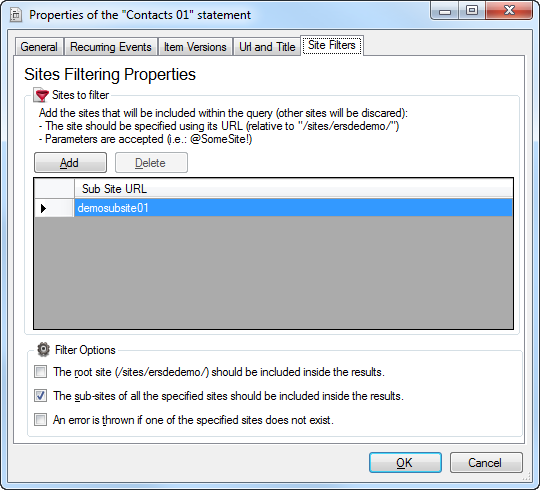
The filter property lets you specify the sites to include. Multiple sites may be specified by separating them with a comma. You can also use a report parameter instead.
Note that the site names are relative to starting site ( relativeSiteUrl ) specified.
For more information about the other properties ( includeRoot , recursive and strict ), see the reference manual.